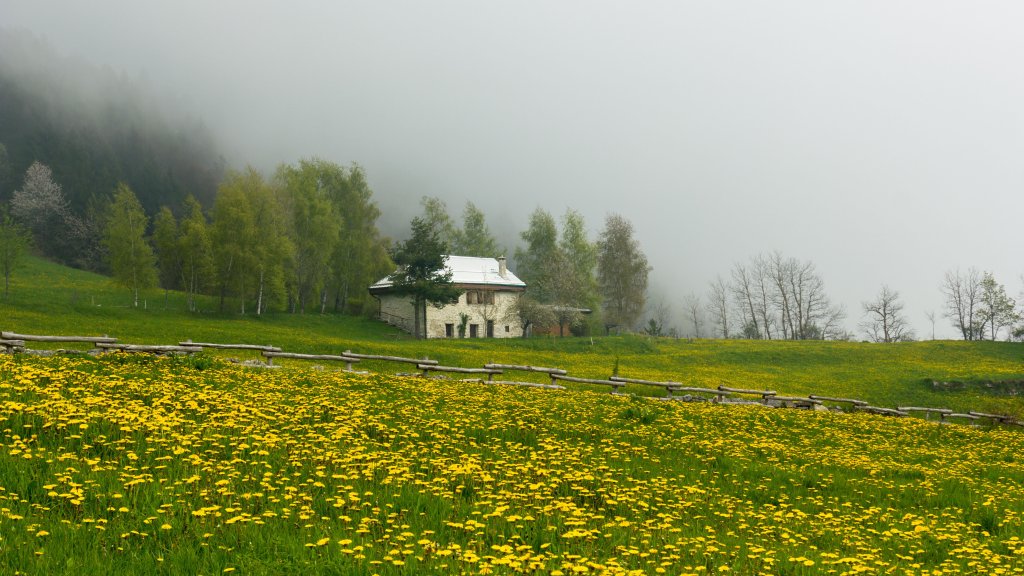
Stone Cottage, Luserna, Trentino Alto Adige, Italy
Sign in to add this photo to your favorites and desktop wallpaper rotation.
Luserna is a small, picturesque village located in the Province of Trento, within the Trentino-Alto Adige/Südtirol region of northern Italy. This area is known for its stunning natural landscapes, including the Dolomite Mountains, which are a UNESCO World Heritage Site. Luserna is part of the Cimbrian linguistic minority, and the Cimbrian language, a Germanic dialect, is still spoken by some of its residents. This cultural heritage is an important aspect of the village's identity. The village is characterized by its traditional Alpine architecture, with wooden houses and charming streets that reflect its historical roots. Luserna is a popular destination for those interested in outdoor activities such as hiking, skiing, and mountain biking, thanks to its proximity to the Dolomites and other natural attractions. Cultural events and festivals in Luserna often celebrate its unique linguistic and cultural heritage, offering visitors a glimpse into the local traditions and way of life. The area is also known for its culinary specialties, which often feature local ingredients and traditional recipes. Overall, Luserna offers a blend of natural beauty, cultural richness, and outdoor adventure, making it an appealing destination for travelers seeking an authentic experience in the Italian Alps.
How to Set as Desktop Wallpaper
Download this photo and set it as your desktop background in seconds. Works on Windows and Mac.
Windows 11
- Right-click the image above and choose Save image as…
- Open Settings → Personalization → Background.
- Under Personalize your background, select Picture.
- Click Browse photos and pick the downloaded file.
Windows 10
- Right-click the image above and choose Save image as…
- Right-click the saved file and select Set as desktop background.
- Or open Settings → Personalization → Background and browse to the file.
macOS
- Control-click the image above and choose Save Image As…
- Open System Settings → Wallpaper (or System Preferences → Desktop & Screen Saver on older macOS).
- Click Add Photo and select the downloaded file.
Prefer one-click install and automatic rotation? Download the free Webshots app for Windows and Mac.