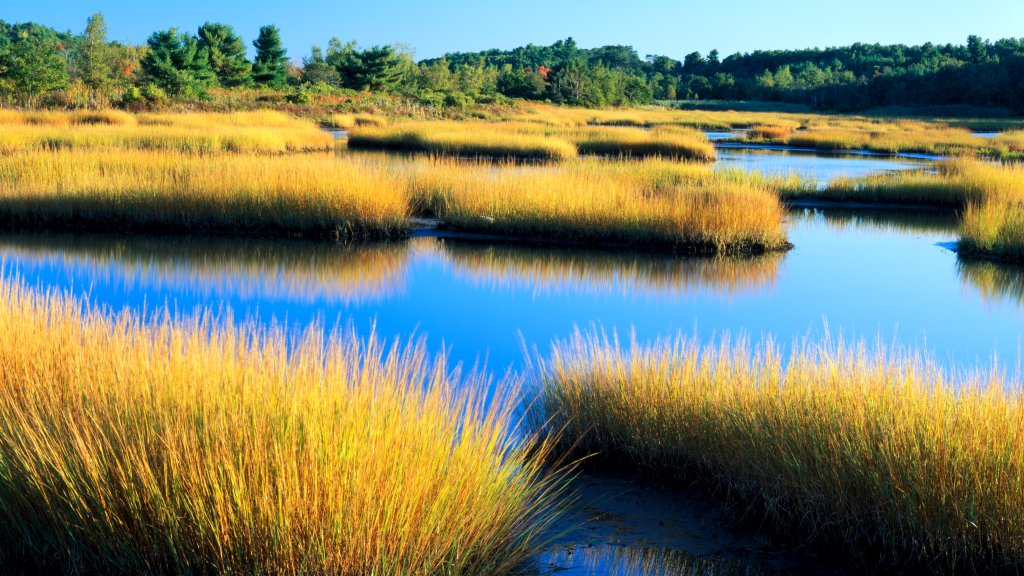
Estuary of the New Meadows River, Maine
Sign in to add this photo to your favorites and desktop wallpaper rotation.
The Estuary of the New Meadows River is located in the Midcoast region of Maine. This estuarine area is characterized by its tidal waters, which create a unique and dynamic environment where freshwater from the river mixes with the saltwater from the Gulf of Maine. The estuary supports a diverse range of habitats, including salt marshes, mudflats, and eelgrass beds, which are crucial for the local biodiversity. The New Meadows River itself is relatively short, flowing through the towns of Brunswick and West Bath before reaching its estuary. The area is known for its scenic beauty and is a popular spot for recreational activities such as kayaking, bird watching, and fishing. The estuary provides important breeding and feeding grounds for various species of fish, birds, and other wildlife. Conservation efforts are in place to protect the estuarine environment and its ecosystems, as they are vital for maintaining the health of the local marine and coastal life. The estuary also plays a role in supporting the local economy, particularly through activities related to tourism and fishing. Overall, the Estuary of the New Meadows River is an important natural resource for the region, offering both ecological and recreational value.
How to Set as Desktop Wallpaper
Download this photo and set it as your desktop background in seconds. Works on Windows and Mac.
Windows 11
- Right-click the image above and choose Save image as…
- Open Settings → Personalization → Background.
- Under Personalize your background, select Picture.
- Click Browse photos and pick the downloaded file.
Windows 10
- Right-click the image above and choose Save image as…
- Right-click the saved file and select Set as desktop background.
- Or open Settings → Personalization → Background and browse to the file.
macOS
- Control-click the image above and choose Save Image As…
- Open System Settings → Wallpaper (or System Preferences → Desktop & Screen Saver on older macOS).
- Click Add Photo and select the downloaded file.
Prefer one-click install and automatic rotation? Download the free Webshots app for Windows and Mac.