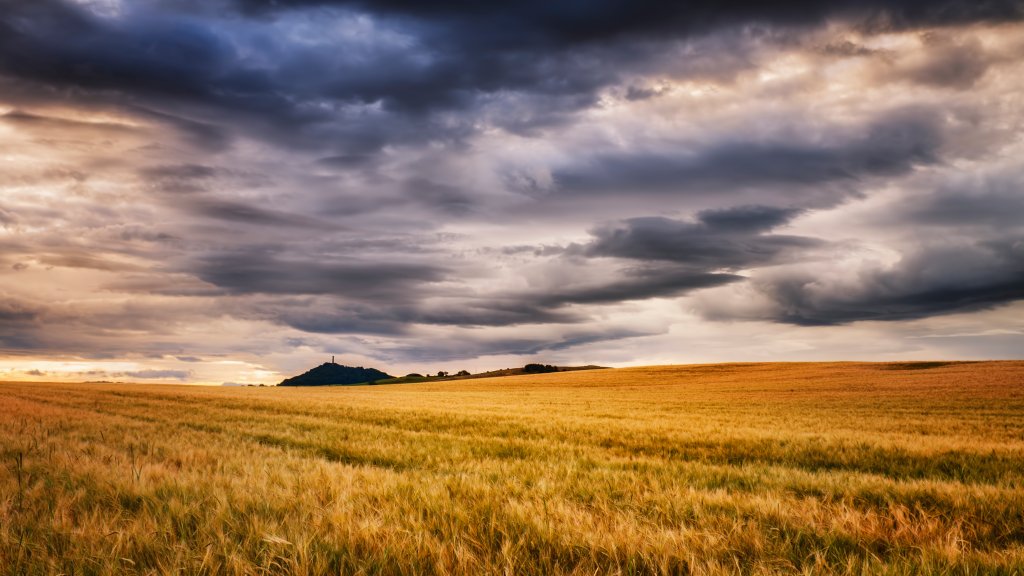
Field of Barley, East Lothian, Scotland
Sign in to add this photo to your favorites and desktop wallpaper rotation.
East Lothian is a council area and historic county located in the southeast of Scotland. It is known for its picturesque landscapes, charming towns, and rich history. The area is bordered by the City of Edinburgh to the west, the North Sea to the north, and the Scottish Borders to the south and east. The administrative center of East Lothian is Haddington, a town with a rich history dating back to the medieval period. Other notable towns in the region include Musselburgh, North Berwick, and Dunbar. Musselburgh is known for its racecourse and historic architecture, while North Berwick is famous for its beautiful coastline and golf courses. Dunbar, on the other hand, is known for its rugged cliffs and as the birthplace of the famous naturalist John Muir. East Lothian is renowned for its stunning coastline, which features sandy beaches, rocky cliffs, and scenic views of the Firth of Forth. The area is popular for outdoor activities such as hiking, birdwatching, and golfing, with several renowned golf courses, including the historic Muirfield, located in the region. The county is steeped in history, with numerous castles, historic houses, and ancient sites. Tantallon Castle, a dramatic cliff-top fortress, and Dirleton Castle, known for its beautiful gardens, are among the notable historical attractions. Agriculture plays a significant role in East Lothian's economy, with fertile land supporting the production of crops such as barley, wheat, and potatoes. The region also benefits from its proximity to Edinburgh, providing residents with access to the amenities and opportunities of the capital city. Overall, East Lothian offers a blend of natural beauty, historical significance, and modern amenities, making it a desirable place to live and visit.
How to Set as Desktop Wallpaper
Download this photo and set it as your desktop background in seconds. Works on Windows and Mac.
Windows 11
- Right-click the image above and choose Save image as…
- Open Settings → Personalization → Background.
- Under Personalize your background, select Picture.
- Click Browse photos and pick the downloaded file.
Windows 10
- Right-click the image above and choose Save image as…
- Right-click the saved file and select Set as desktop background.
- Or open Settings → Personalization → Background and browse to the file.
macOS
- Control-click the image above and choose Save Image As…
- Open System Settings → Wallpaper (or System Preferences → Desktop & Screen Saver on older macOS).
- Click Add Photo and select the downloaded file.
Prefer one-click install and automatic rotation? Download the free Webshots app for Windows and Mac.